Custom dashboard & admin panel development
Most businesses have their numbers spread across spreadsheets, email and different tools. A custom dashboard brings them into one screen, and an admin panel lets your team manage users, orders, content and leads without touching code.
We build KPI and sales dashboards with charts, filters and exports, and admin panels with role-based permissions, so each person sees only what they need. They can sit on top of software we build or connect to data you already have.
What's included
- KPI & sales dashboards
- Charts, filters & exports
- User, order & content management
- Role-based permissions
- Connects to your existing data
A good fit if you
- Pull numbers from several spreadsheets or tools every week
- Need one admin panel to manage users, orders, content or leads
- Want managers to see live KPIs without asking for a report
- Have an app or website with no proper back office
- Need different people to see different data
Two kinds of dashboard we build
Admin panels are where your team runs the business: approving users, managing orders and bookings, editing content, handling leads and support. Every web or mobile app we build comes with one, and we also build them for existing software that never had a proper back office.
Reporting dashboards turn your data into numbers people act on: sales by day and by rep, conversion by lead source, revenue, stock, collections or whatever your business runs on. They read from your database, spreadsheets and other tools, and update on their own.
Features
- KPI cards and charts: today, this week and this month at a glance, with trends and comparisons.
- Filters and drill-downs: by date, city, product, team or customer, down to the individual record.
- Role-based access: owners see everything; managers see their team; staff see only what they work on.
- Data tables: search, sort, bulk actions and inline edits for users, orders, leads and content.
- Exports and scheduled reports: Excel, CSV and PDF downloads, plus email summaries on a schedule.
- Alerts: notifications when a number crosses a threshold, such as low stock or a drop in leads.
- Audit logs: a record of who changed what and when.
- Mobile-friendly layouts: check the numbers from your phone.
Data sources we connect
Dashboards are only as good as their data. We connect your own app's database (PostgreSQL, MySQL or Firebase), Google Sheets and Excel files, payment gateways such as Razorpay, your CRM, Google Analytics and ad platforms, and accounting or inventory software with an API. Where data lives in several places, we bring it together so the dashboard shows one version of the truth.
Custom dashboard or Power BI and Looker Studio?
BI tools are a good fit when you mainly need charts from data that is already clean and in one place, and your team is comfortable building reports themselves. A custom dashboard makes sense when it needs to be part of your own software, when people need to take actions and not just view charts, when you need fine-grained permissions, or when per-user BI licences add up. Our guide Custom dashboard vs off-the-shelf BI tools has a checklist to help you decide.
How we build it
- 1. Free discovery call: which decisions the dashboard should support, who uses it, and where the data lives.
- 2. Fixed, itemised quote: within 24 hours, with milestones and dates.
- 3. Layout and metric definitions: we agree exactly how each number is calculated before building, so nobody argues about the figures later.
- 4. Build and connect data: with a working staging link early in the project.
- 5. Launch and handover: a recorded walkthrough, then ongoing support on a maintenance plan.
A focused reporting dashboard or admin panel usually takes 3–6 weeks. Larger back offices with many modules and integrations take 6–12 weeks, delivered in phases.
Dashboards in our live projects
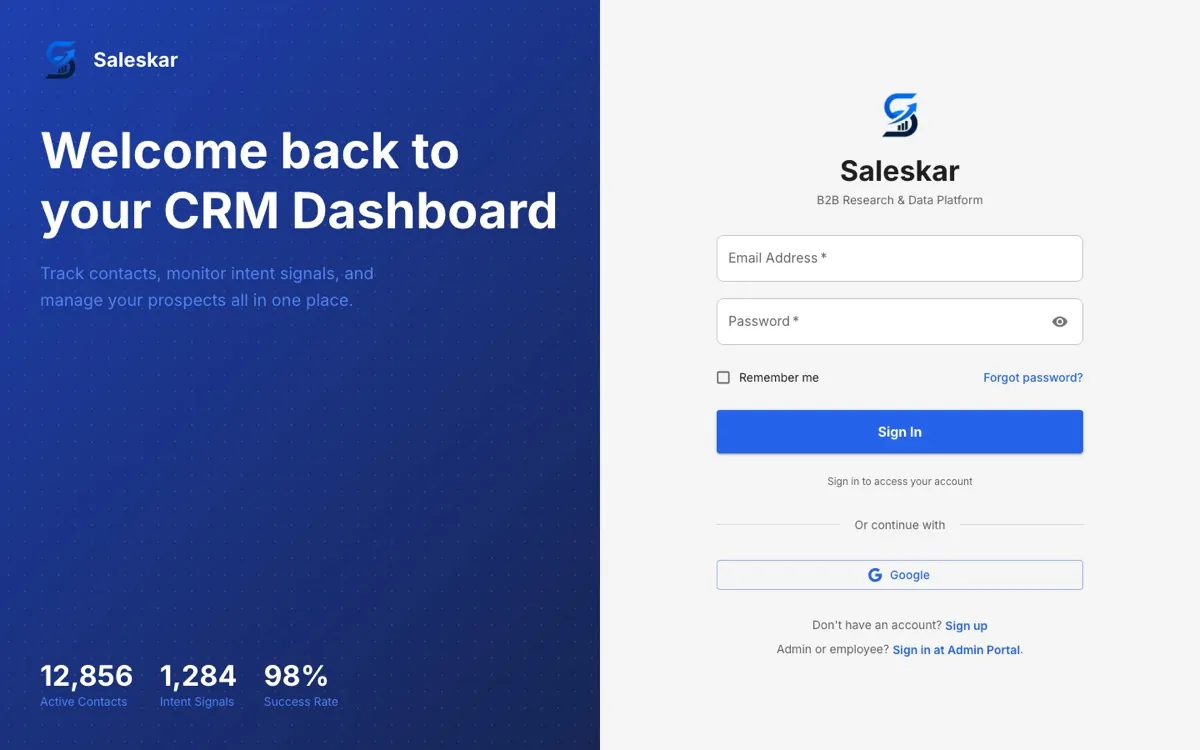
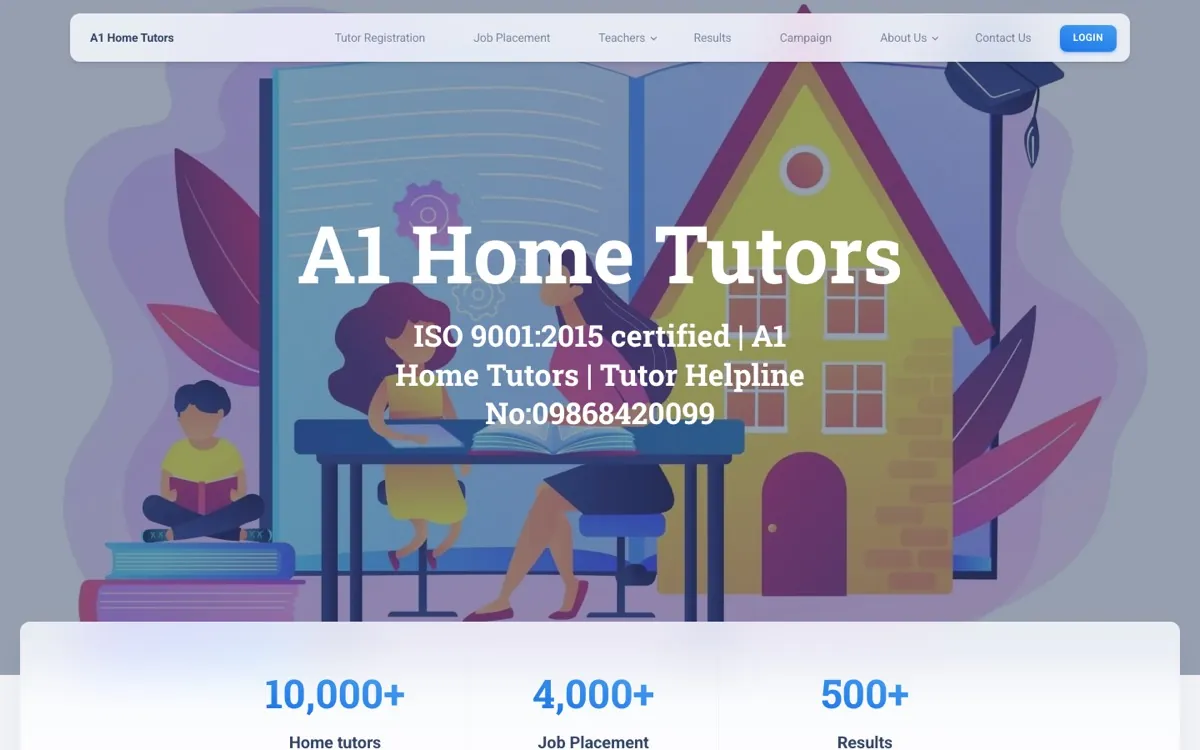
LexoPrime has separate client, lawyer and admin dashboards for bookings, consultations, payments and courses. Saleskar gives sales teams a dashboard for contacts and intent signals, with an admin portal behind it. A1 Home Tutors runs tutor registrations, placements and campaigns from its admin panel. We build with React and Node.js, host in your own cloud account, and hand over the code in full.
Frequently asked questions
- Can you build a dashboard on top of our existing software?
- Yes. We connect to your existing database or APIs and build the dashboard or admin panel alongside it, without rebuilding the rest of your system.
- Can it pull data from Google Sheets and other tools?
- Yes. We connect Google Sheets, Excel files, payment gateways, CRMs, Google Analytics and any tool with an API, and combine them in one view.
- How long does a dashboard take?
- A focused dashboard or admin panel usually takes 3–6 weeks. Larger back offices take 6–12 weeks and are delivered in phases.
- How much does a custom dashboard cost?
- It depends on the number of screens, data sources, roles and exports. After a free discovery call we send a fixed, itemised quote within 24 hours.
- Can different people see different data?
- Yes. Role-based access controls what each person can see and change, down to individual teams, cities or customers.
- Does it work on mobile?
- Yes. Our dashboards are responsive, so owners and managers can check numbers from their phones.
- Is the data secure?
- Access is behind logins with roles, data is encrypted in transit, and everything is hosted in your own cloud account with backups.
Projects we've built

Have a project in mind?
A new website, a dashboard, a CRM, or software that needs looking after. Tell us what you need and we'll send a fixed, itemised quote within 24 hours.